HTML Thermometer
Add a fundraising thermometer to any webpage with a single line of HTML. No JavaScript required on your site — the chart is a plain image that updates automatically.
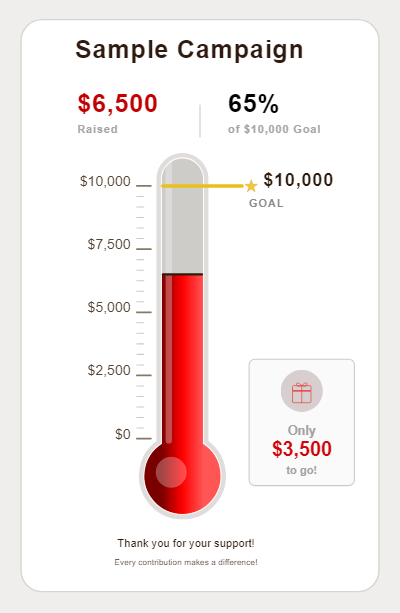
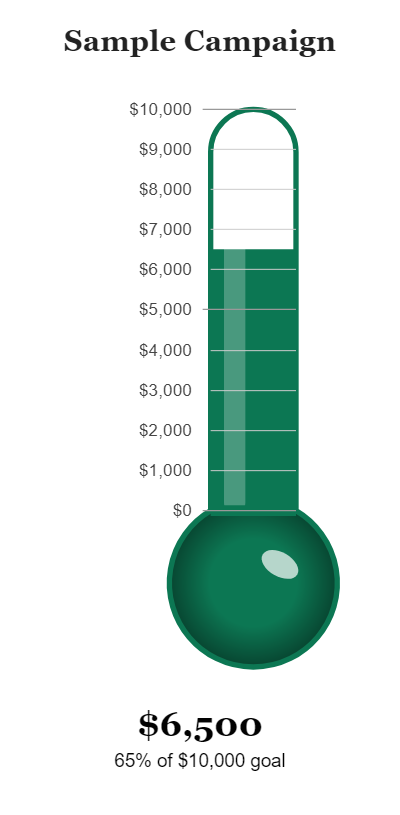
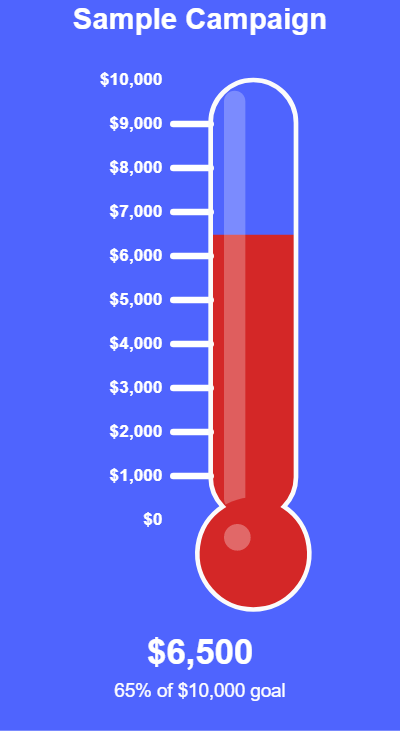
One line of HTML. That's it.
Create your thermometer, then paste this into any webpage.
<img src="https://thermometerchart.net/chart/your-id" alt="Fundraising thermometer" />
The image is generated server-side — no JavaScript, no iframes, no dependencies.
It works anywhere HTML <img> tags are accepted.
Works on any platform
If it accepts HTML, it accepts your thermometer.
How to add an HTML thermometer to your site
<img> tag. Paste it anywhere that accepts HTML and you're done.No JavaScript required on your site
The thermometer is a server-rendered PNG image — your page loads it the same way it loads any photo.
There's nothing to install, no script tags to add to your <head>, and no third-party
JavaScript running on your visitors' browsers. Update your goal or current amount in the editor
and the image reflects the change on the next page load.
Pro users can connect a Google Sheet — the chart reads the latest values from the sheet on every embed load, so the number updates automatically without any manual editing.
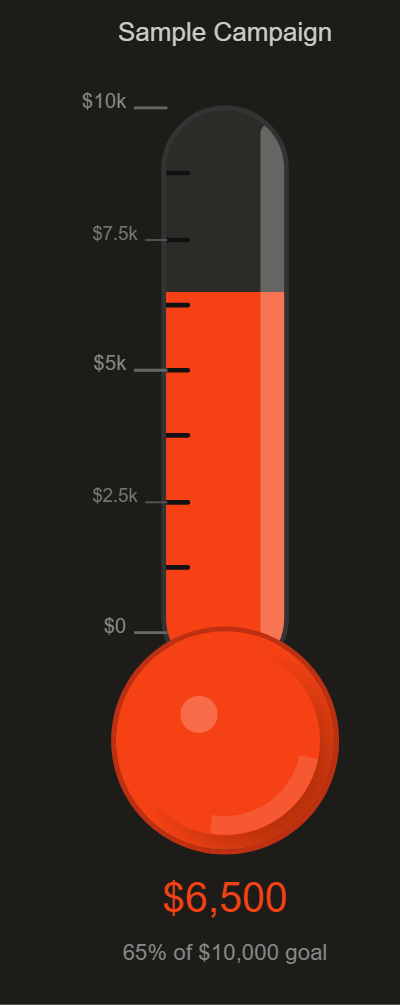
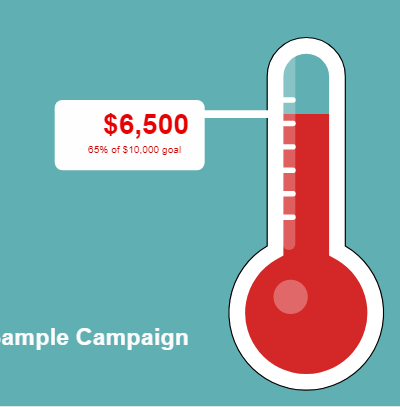
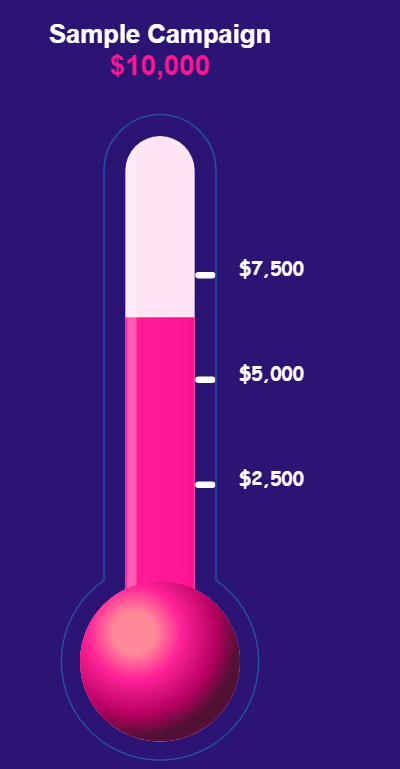
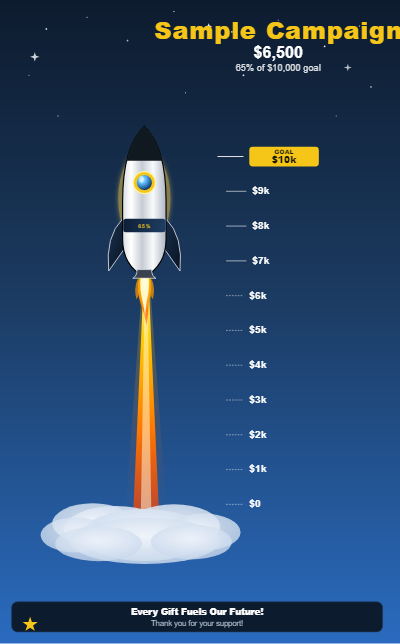
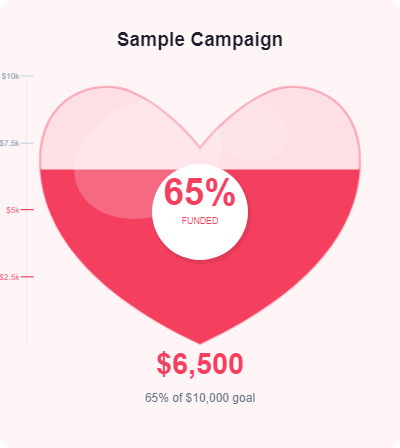
25 thermometer styles
The Original is free. Pro unlocks all 25 styles, custom colors, and Google Sheets sync.
Frequently asked questions
<img> tag. thermometerchart.net generates the chart as a PNG image on its servers — your page just displays it like any other image. The "mercury" rises as more money is raised, and the image updates whenever you edit your goal or current amount.<img> tag — no script tags, no external libraries, no JavaScript at all on your end. The chart is rendered server-side and delivered as a PNG. It works in any browser and any HTML context that can display images.<img> tag into a Custom HTML block in the Gutenberg editor, or into the text/HTML view in the Classic Editor. No plugin is needed because the embed is just a standard image tag.Create your HTML thermometer
Free, no account required. Paste it anywhere in under a minute.
Get started free →